Seedance 21080p
Cost
Calculating…
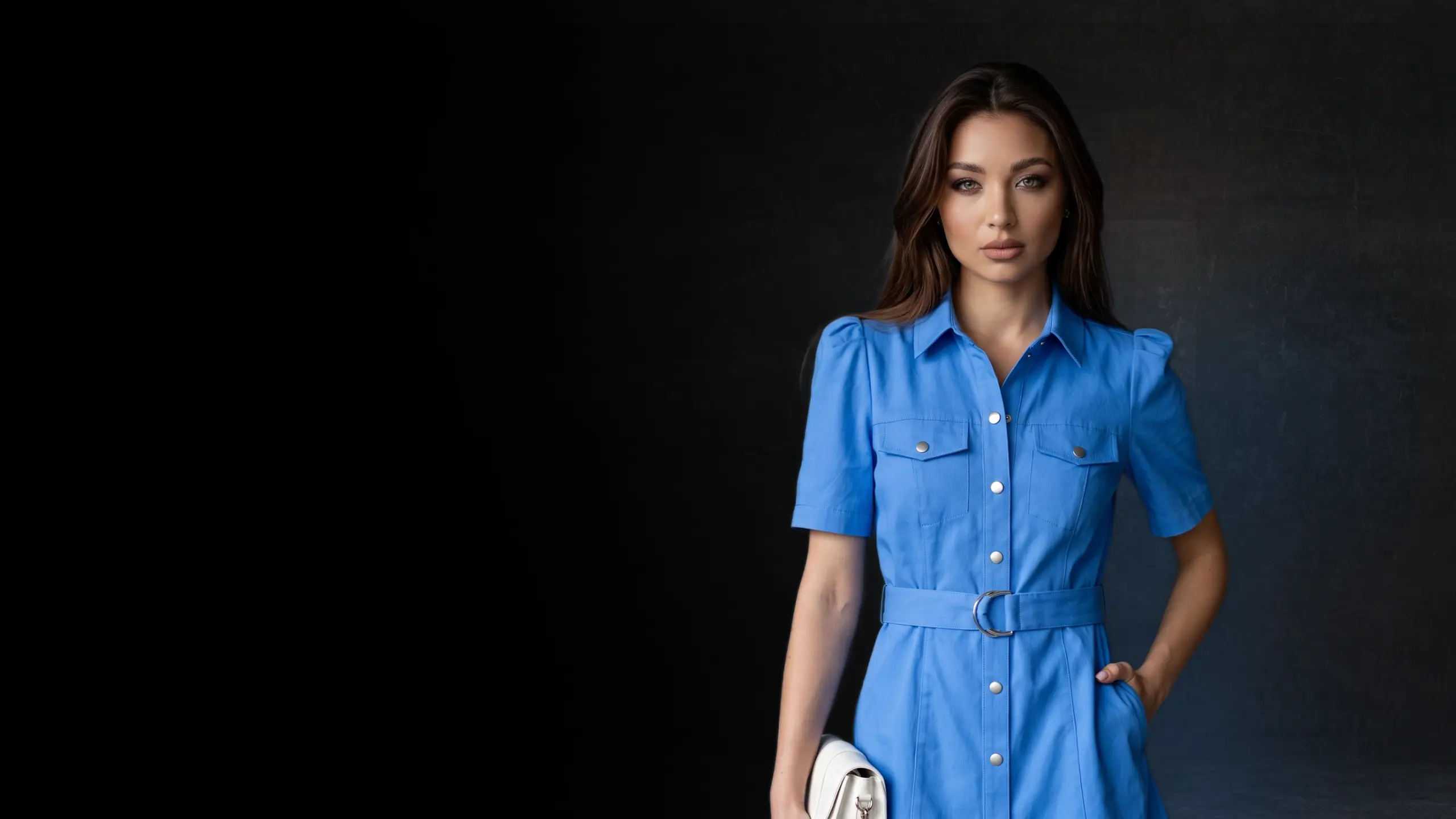
Upload a product photo, pick a style, and get a scroll-stopping AI video ad. Review every shot before the final video, so you're not wasting money on retries.
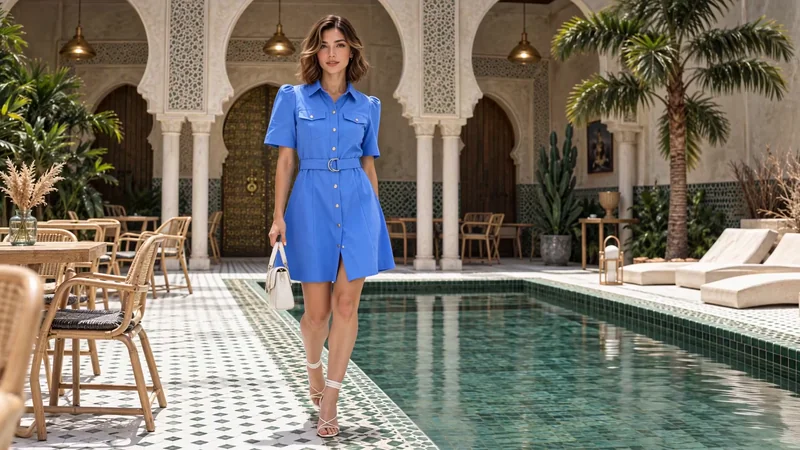
Create your own UGC ad made with NewScene’s AI UGC video generator. Your product takes center stage from an authentic creator's POV.
Create a UGC video adChoose an AI fashion models for your next product campaign. Select from over 40 ready-to-use models or easily create your own.
Explore AI fashion modelsStarting is easy. Go from product photo to finished AI video ad in 4 simple steps.
Pick the kind of video you want to make.
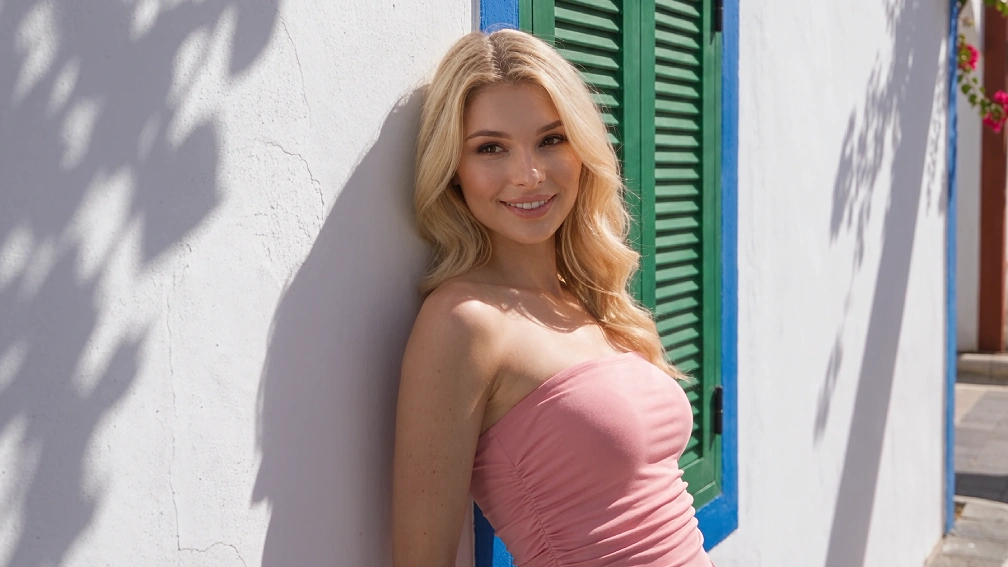
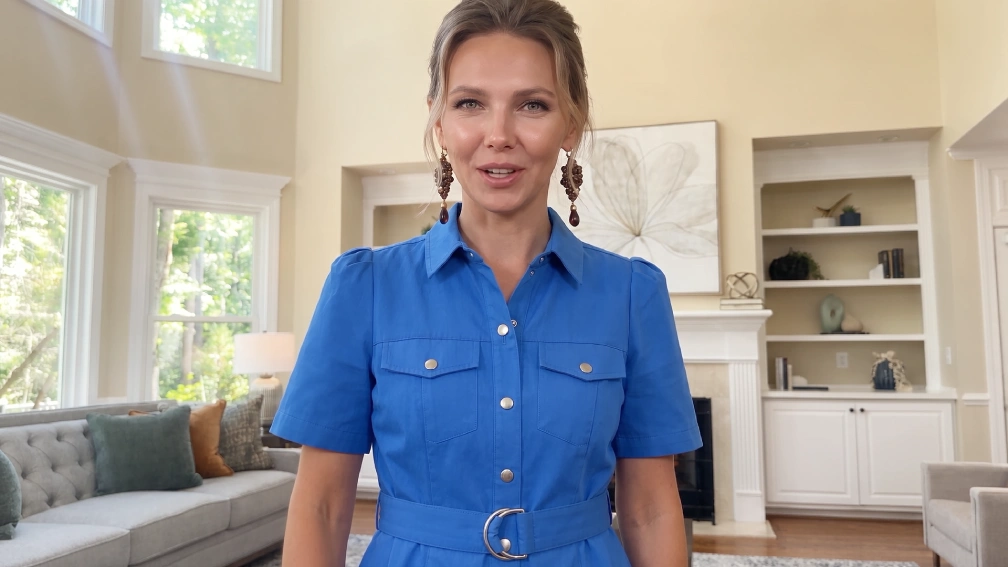
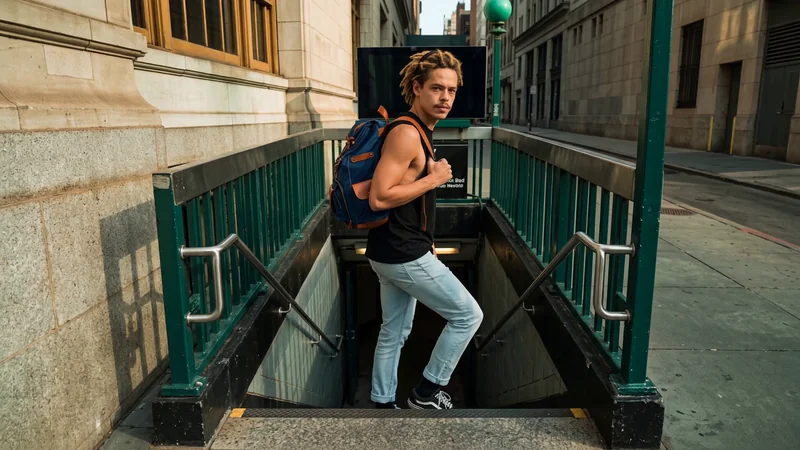
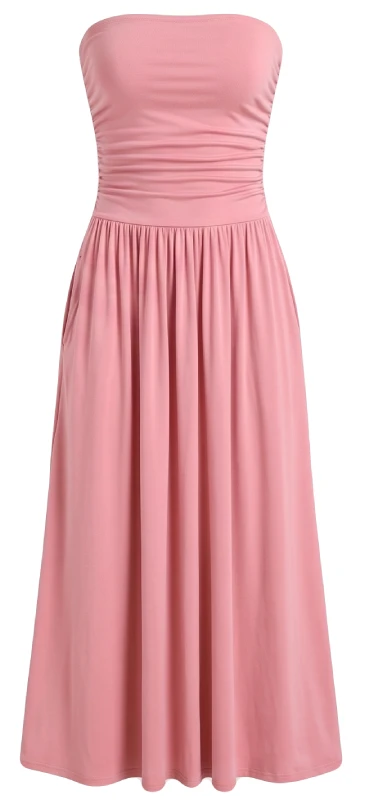
Upload your product photo, then choose who and where.
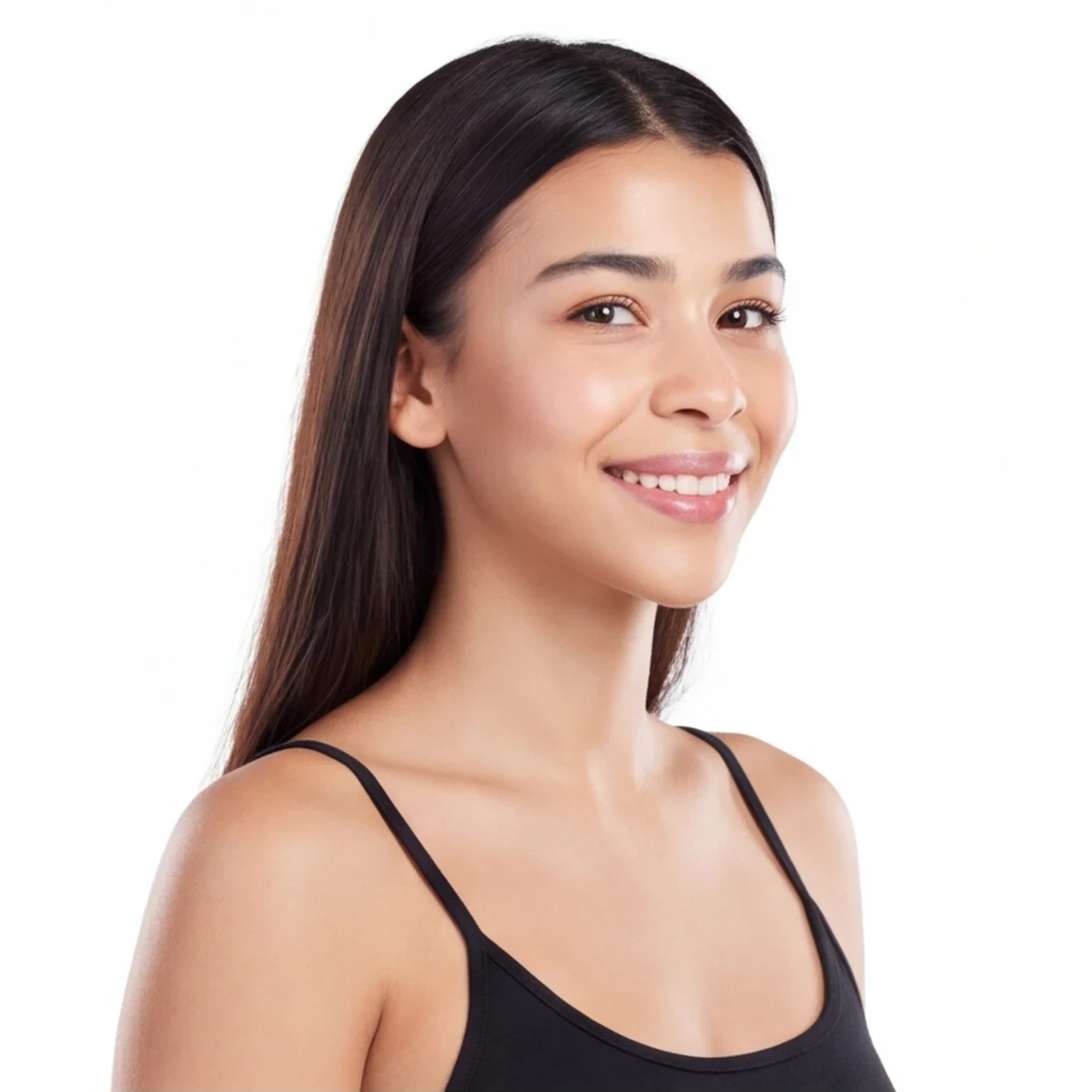

Review each shot BEFORE you export the video. Make sure each shot looks perfect, and your video will too.
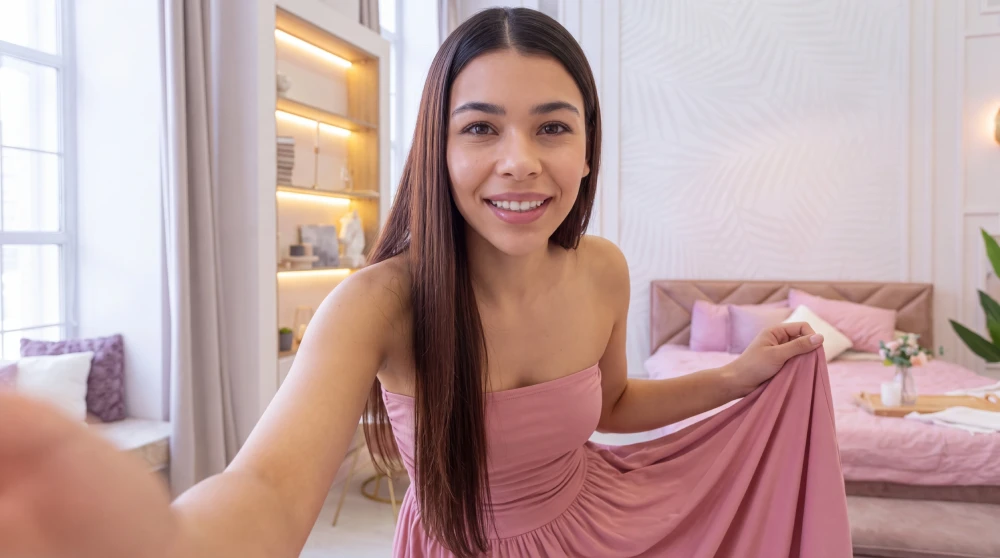

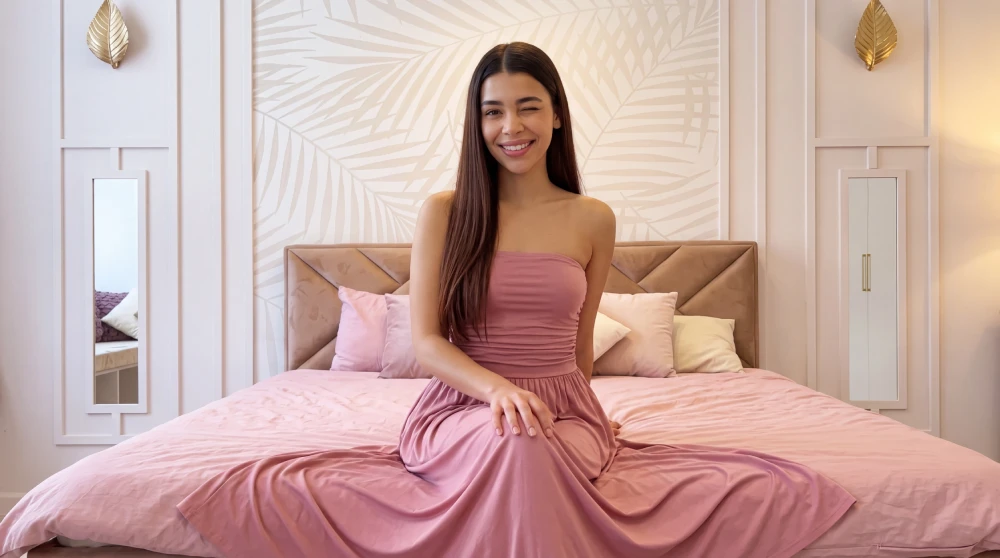
Generate your video, add the finishing touches, then download.
NewScene writes the script for your entire AI UGC video ad. Prompting is totally optional.
We shot the same 9-second scene using three AI video models. See how they compare.
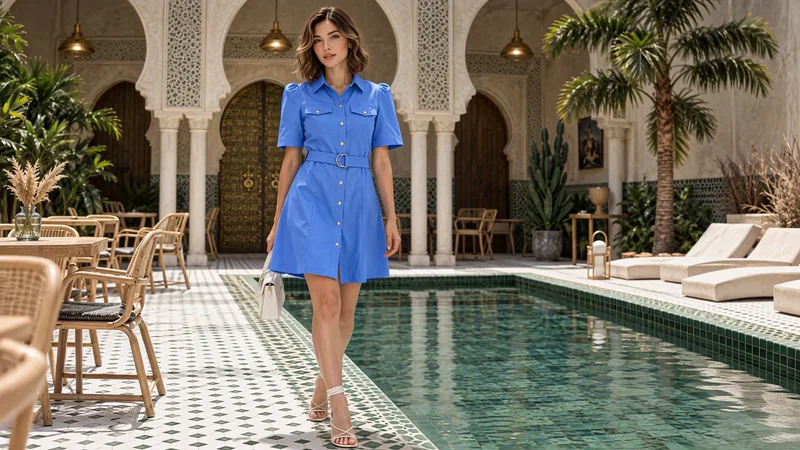
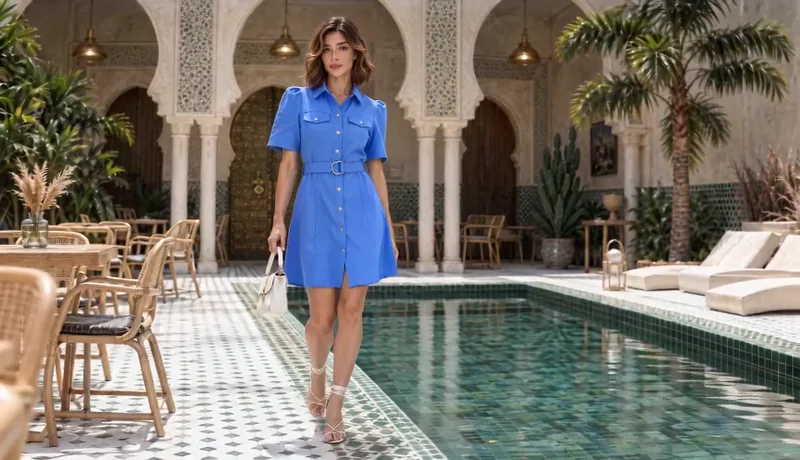
Use NewScene’s video editor to add animated titles and lower thirds, refine the timing, and finish your video ads.
Explore the video editor